From a user perspective, the mDP system has two applications: a web app (browser version) and a mobile app for phones/watches. The main functionalities of both applications will be presented in this document. The heart of the system from the key users point of view is the Web application as shown in the figure below:
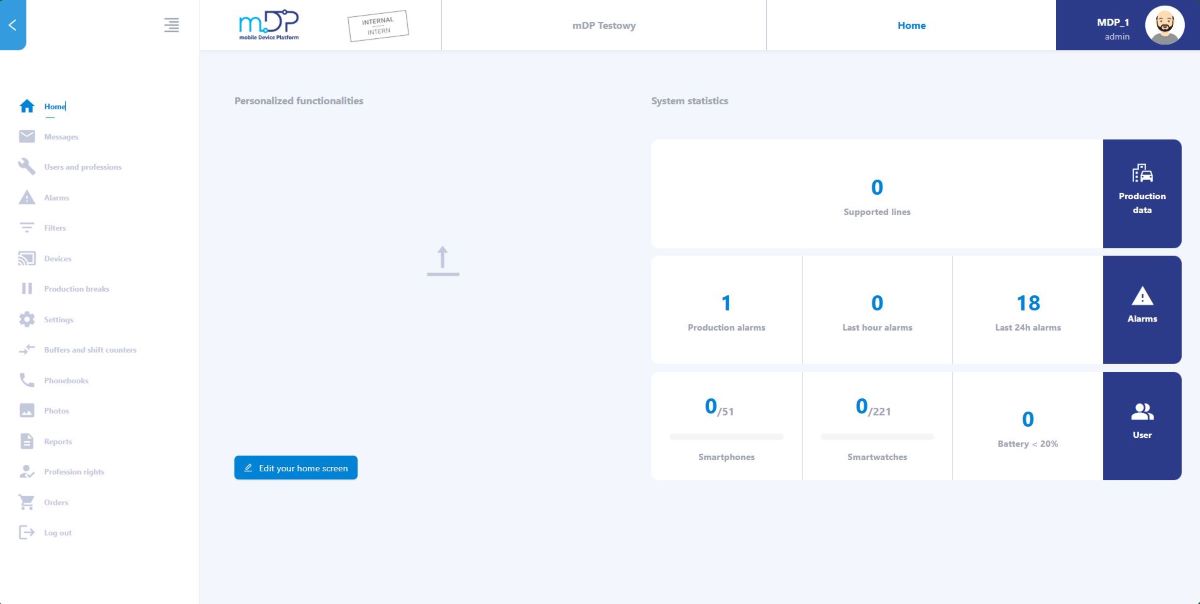
The web application allows key users to configure the following:
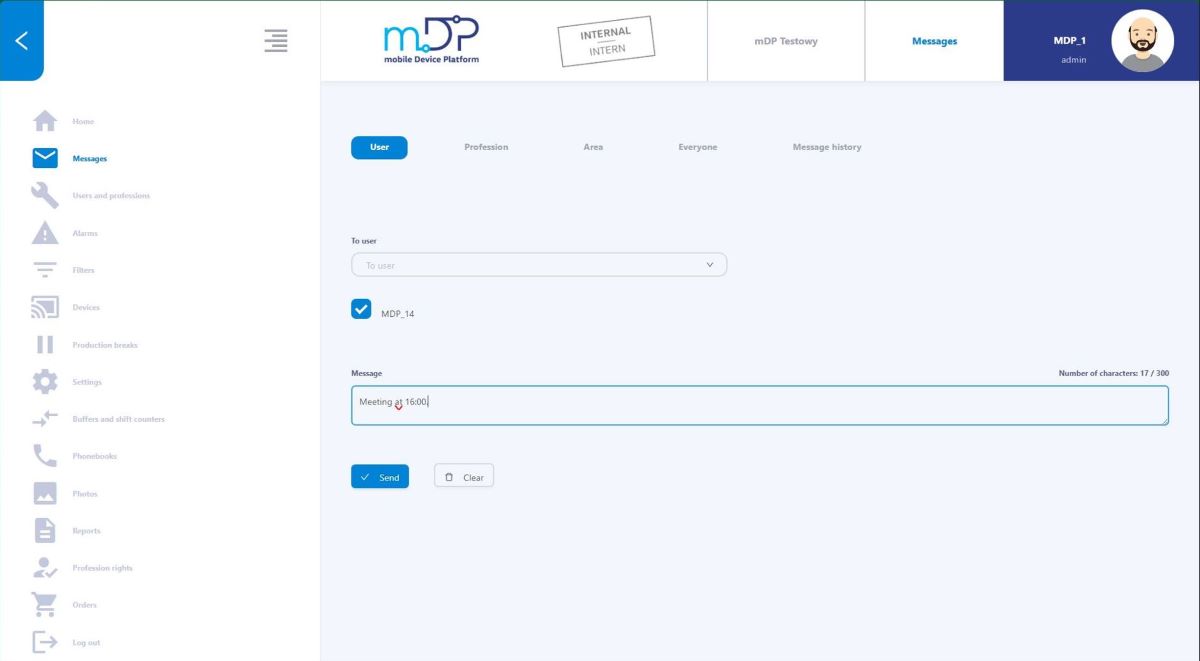
- Messages - sending messages to system users, professions or appropriate areas.
- Users and professions - entering system users and creating professions (e.g. mechanic, automation specialist, foreman).
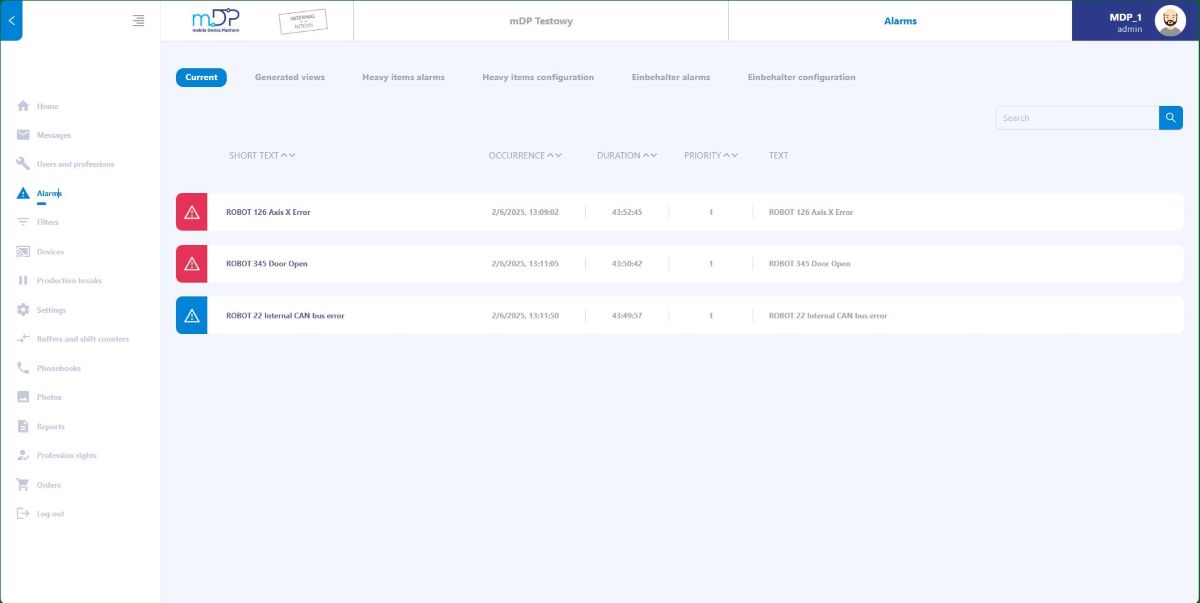
- Alarms - review of current alarms and system information, product tracking on production lines.
- Filters - filtering alarm text according to multiple criteria, replacing alarm text if required, and creating distribution filters (areas/professions) to which the alarm is to be sent.
- Devices - this is where user devices (smartphones and watches) are configured.
- Production breaks - configuration of breaks in the distribution of information related to the lack of production activities.
- Settings - entering the appropriate system parameters.
- Buffers and shiftcounters - configuration and viewing of current buffer statuses and shift counters for production.
- Phonebook - system phone book, ready to use on smartphones.
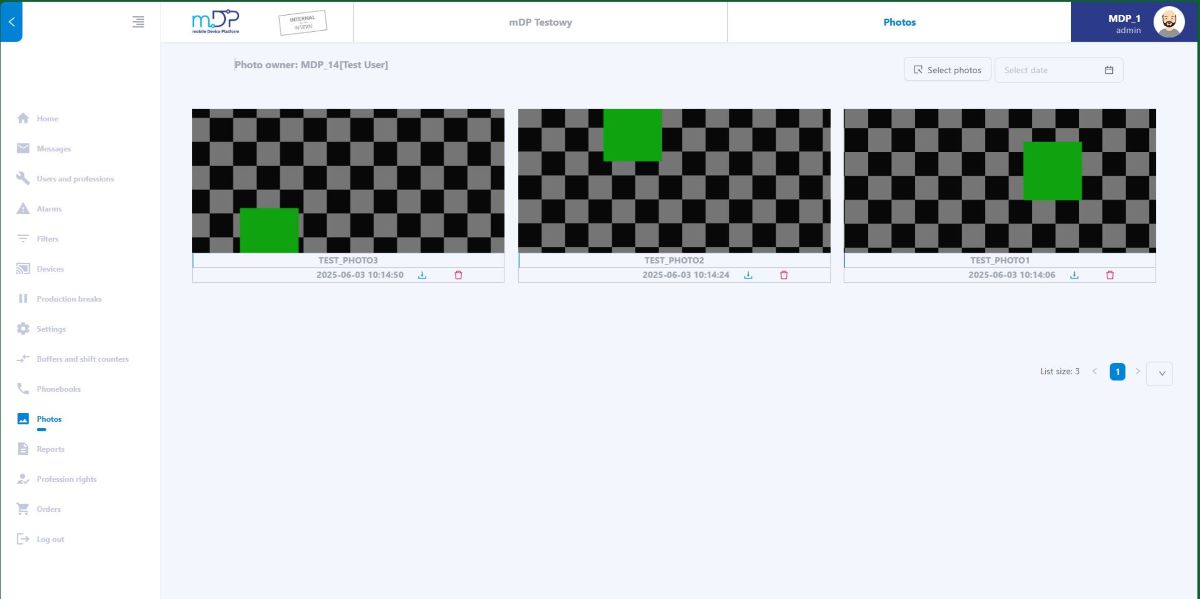
- Photos - this tab allows you to view photos of system users that were taken on mobile devices.
- Reports - this tab allows you to view quality reports and reports of periodic inspections of production equipment prepared on mobile devices.
- Profession rights - here you set user permissions for the web application and mobile application.
- Logistic alarms (Einbehaelter) - it is possible to configure and send logistic alarms if parts are running out in production or their quantity becomes critically low.
- Items tracking (In our case it is called heavy items alarms) - here you can configure and track items at defined production stages if they require special treatment.
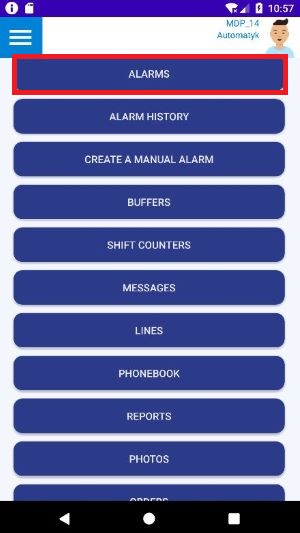
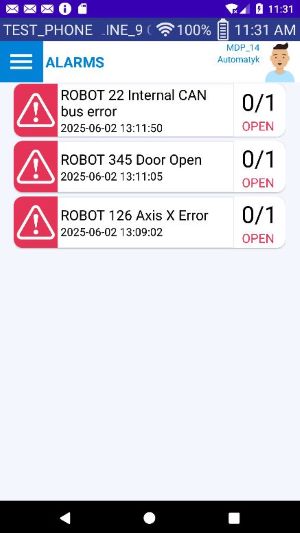
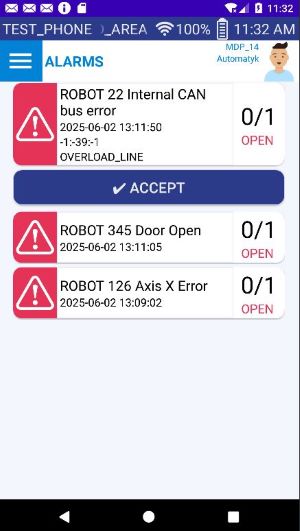
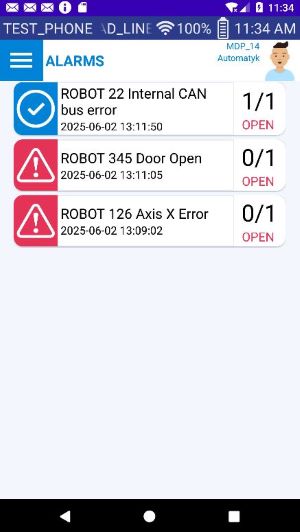
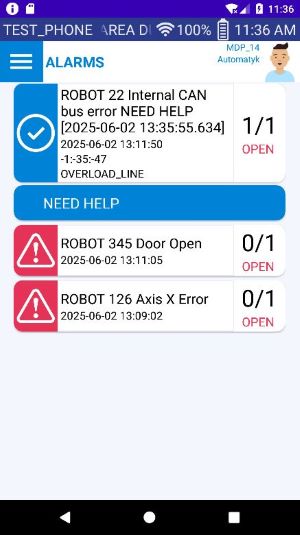
End users have at their disposal a mobile application installed on smartphones. A version is available for both Android and iOS. The basic functionality is the transmission of alarms and fault notifications after initial filtration created in the web application. These notifications can be approved by the user as resolved, or forwarded to another employees (need help) if necessary.Alarm settings are configured in the web application. An example illustration of faults in the mobile application can be found in the drawings below.
ALARMS:
There is the possibility of viewing alarms in the Web application in the alarms tab:
BUFFERS AND SHIFT COUNTERS:
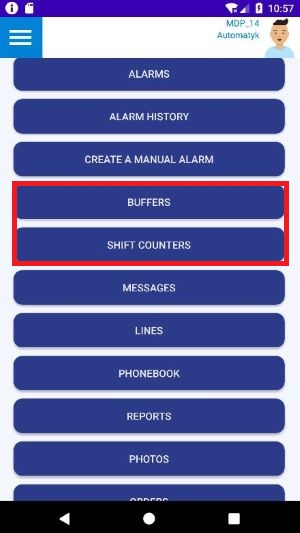
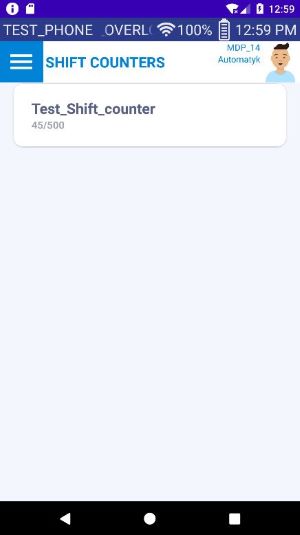
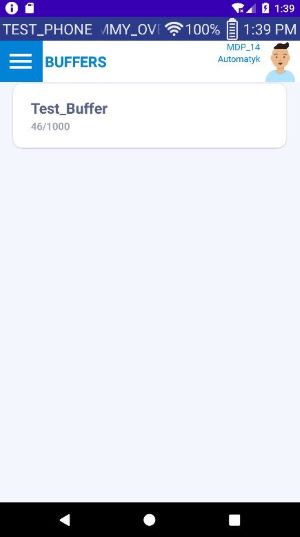
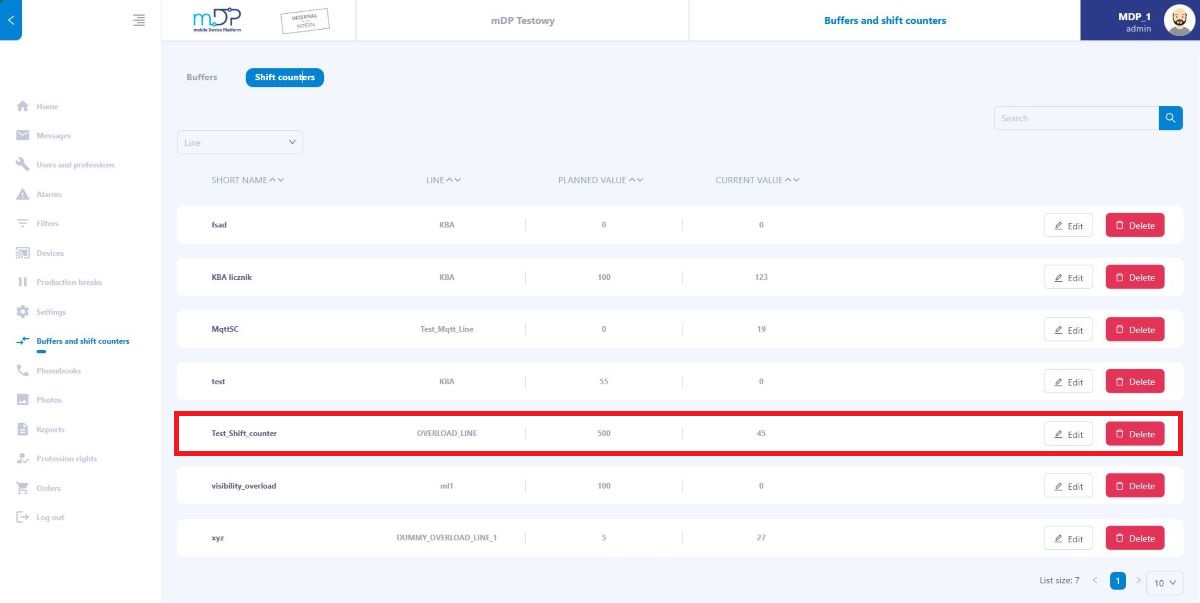
In the views of buffers and shift counters, it is possible to preview the current values in relation to the maximum/set value. It is possible to flexibly configure it and check values in web application so that data reaches the right end users. Example views from the mobile application are presented in the figures below.
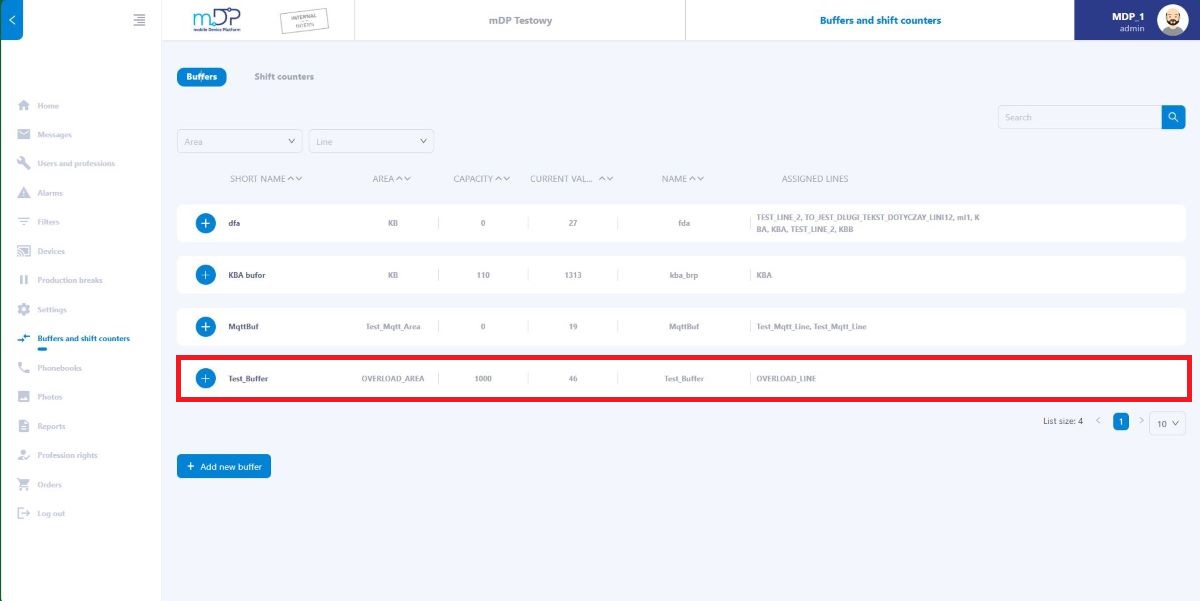
Buffer and shift counter configuration is performed on the web application. The value preview is also available here:
MESSAGES:
Sending text information is possible via the web application as in the image below. Messages can be sent to users, professions, a specific area, or to everyone (mobile devices).
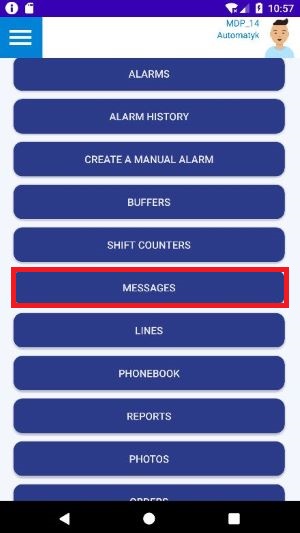
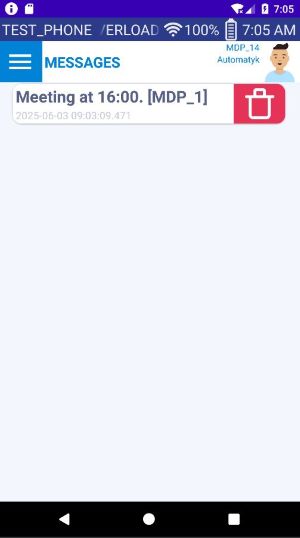
Message view in the mobile app below:
PHONE BOOK:
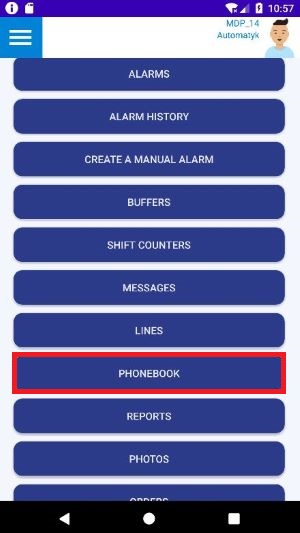
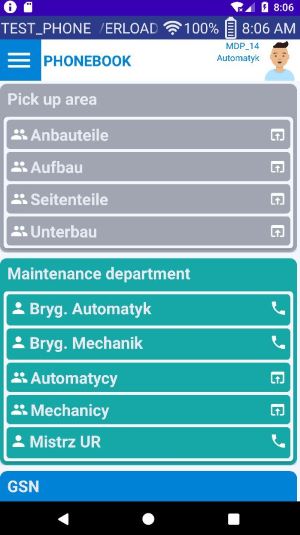
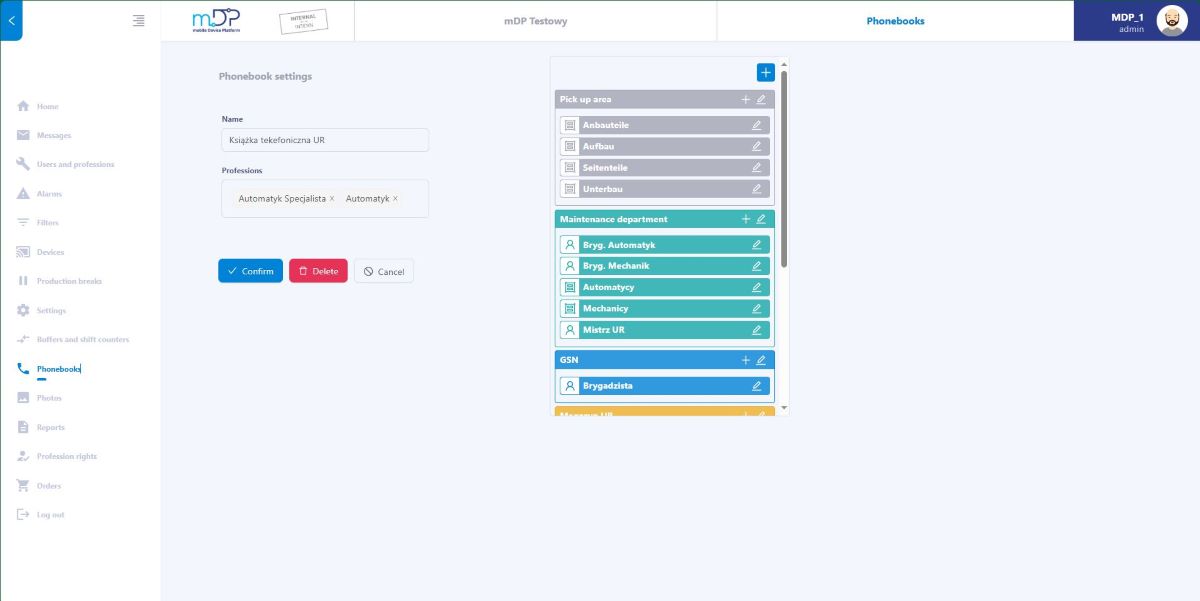
It is possible to create a phone book with user groups and their phone numbers in the web application. Such a book is then available for selected professions in the mobile application. An example view of the phone book is shown in the figure below.
Creating and configuring the phone book takes place in the Web application:
PHOTOS:
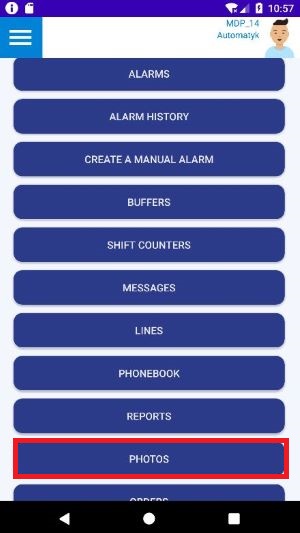
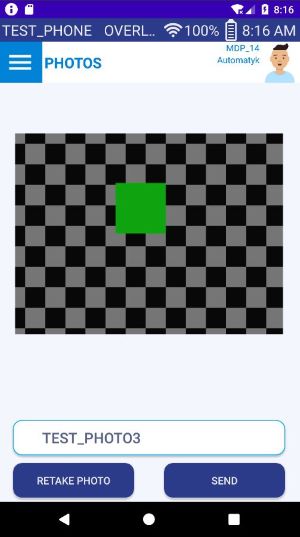
It is possible to transfer photos taken on mobile devices to the database in order to later use them in the web application in photo views for specific users. View from the mobile app below:
The captured photos are available in the web application for further processing. Example below:
REPORTS:
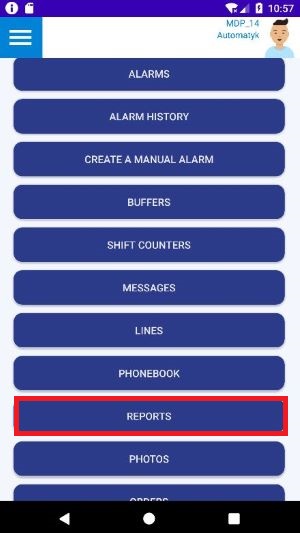
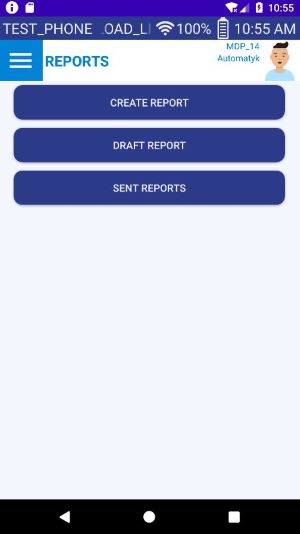
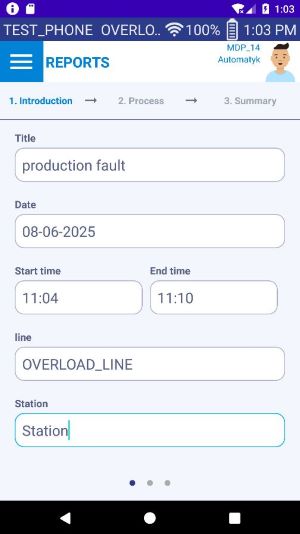
This feature allows you to create report templates in the web application. These templates are available in the mobile application and ready to be filled out and, if necessary, added steps and photos. Reports completed in this way are sent back to the web application and are available there for selected people. Currently, reports are used to document defects/downtime in production. Here is the report creation view for the mobile app:
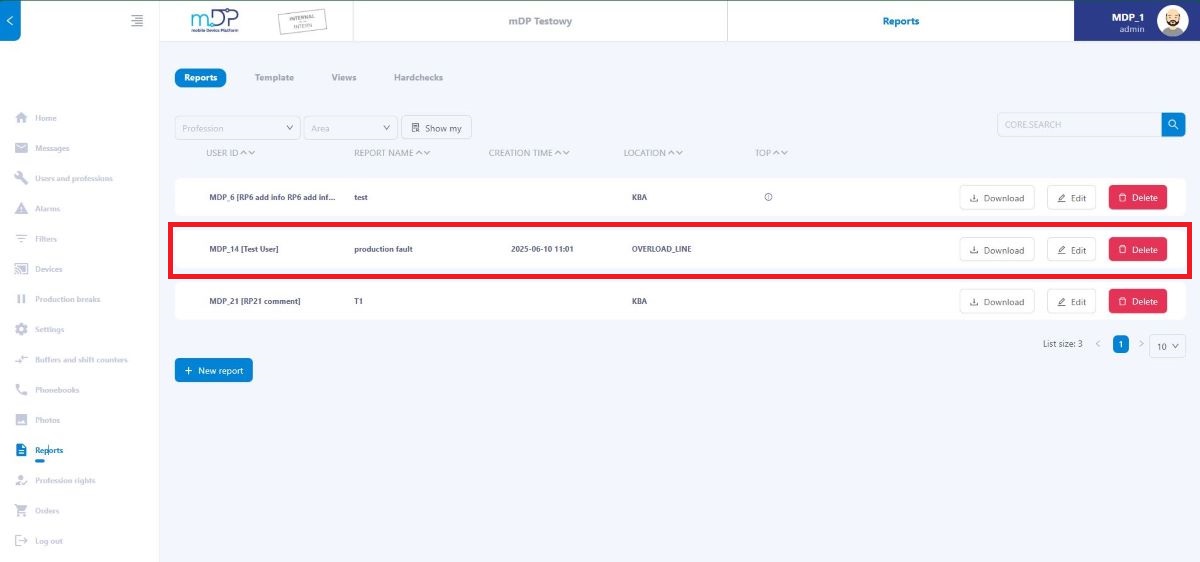
Overview of reports created in mobile app on the web application. It is possible to save the report to a file.
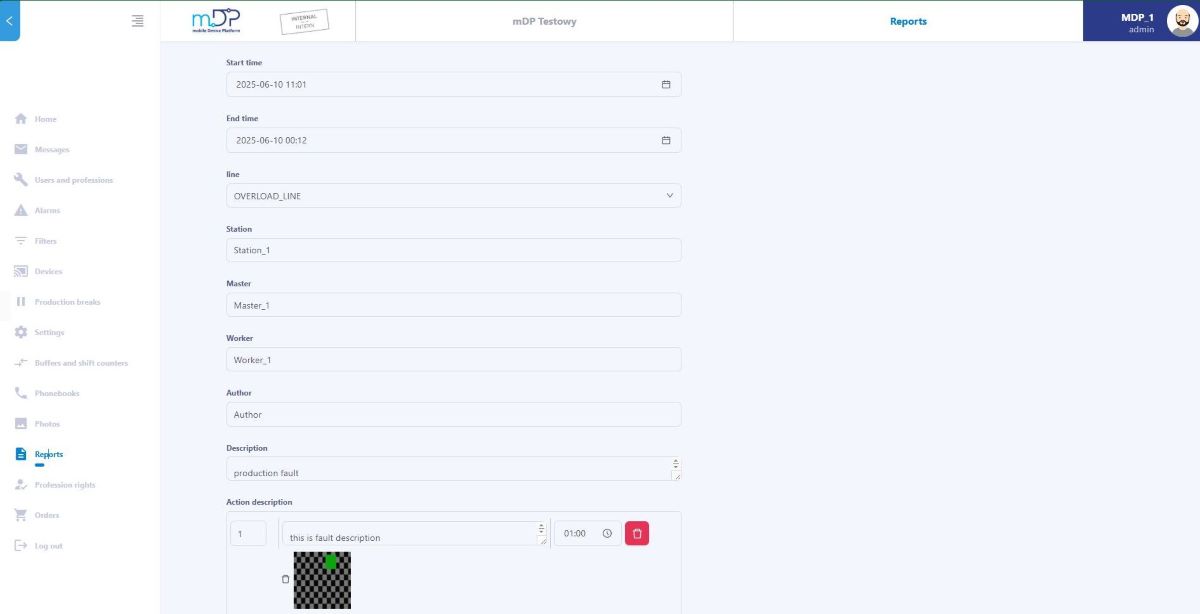
A preview of a specific report in the web application is presented below.
ORDERS:
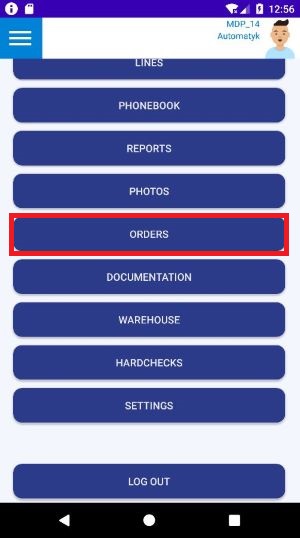
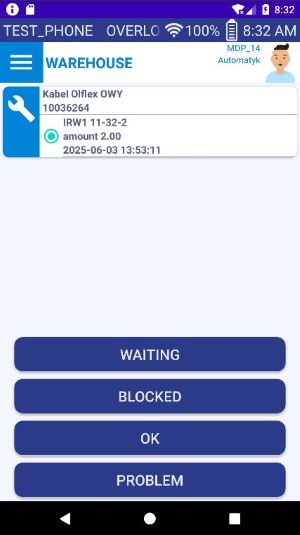
The order module allows employees to order parts via the mobile application. You need a defined data source describing the parts and their quantity (data source). The process of ordering parts in the mobile application is presented below.
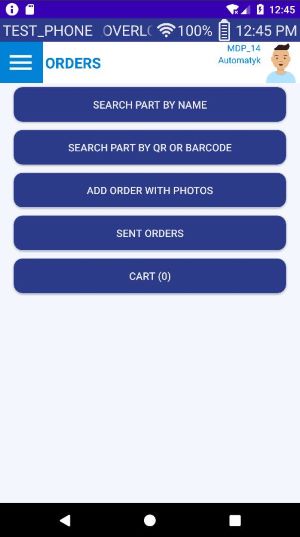
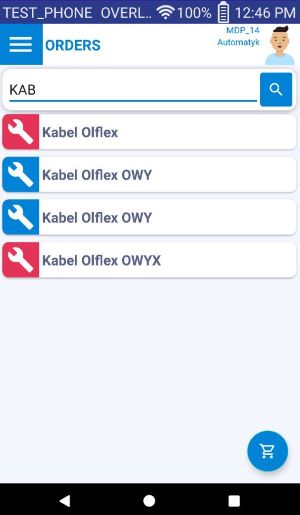
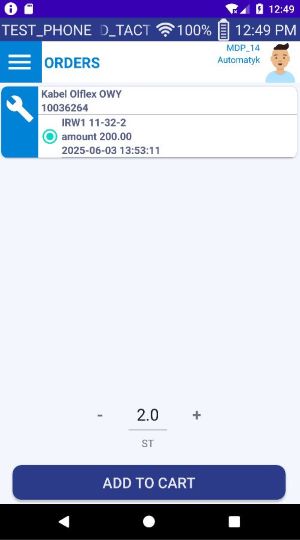
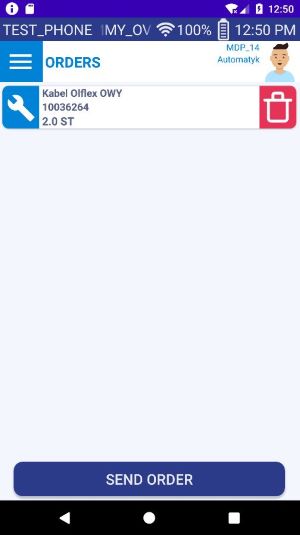
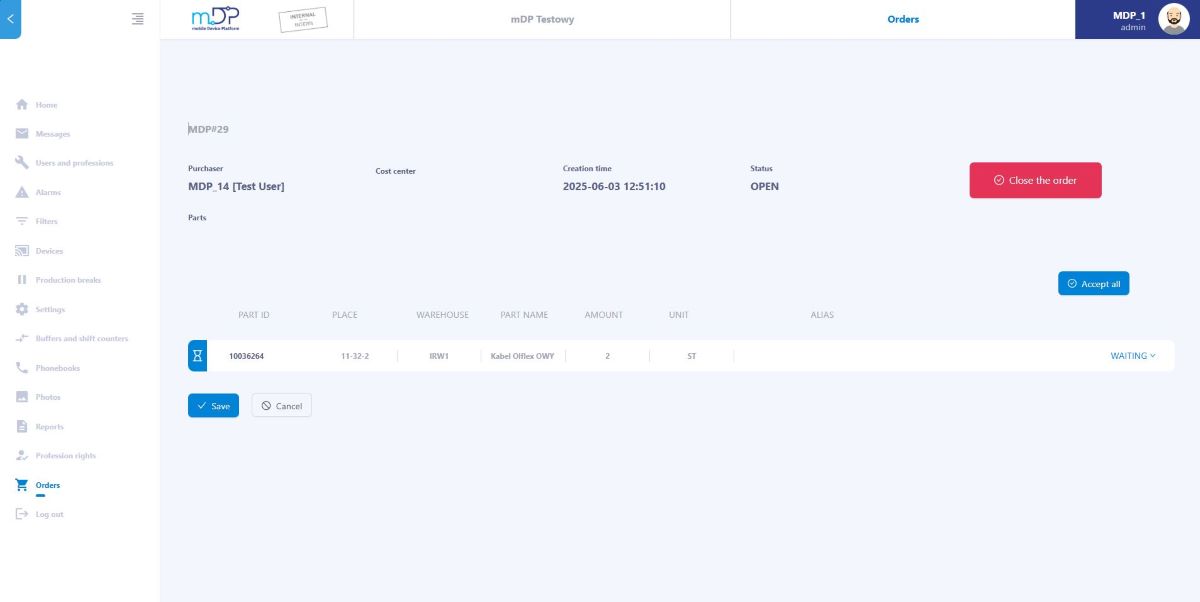
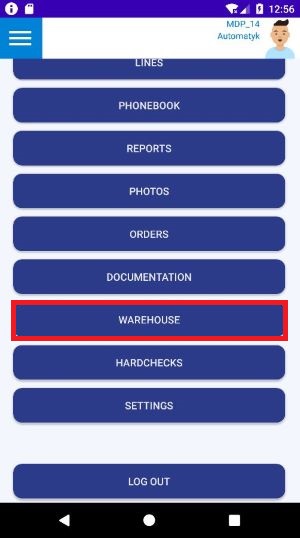
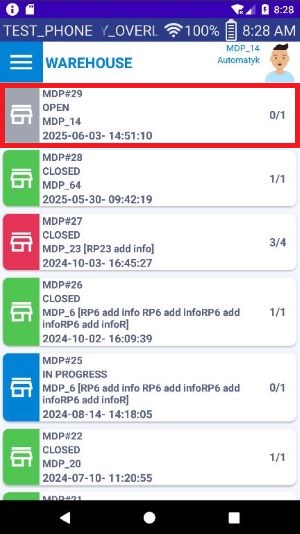
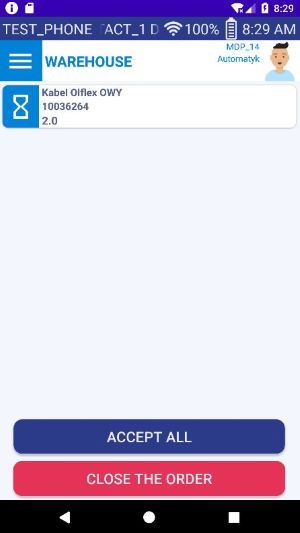
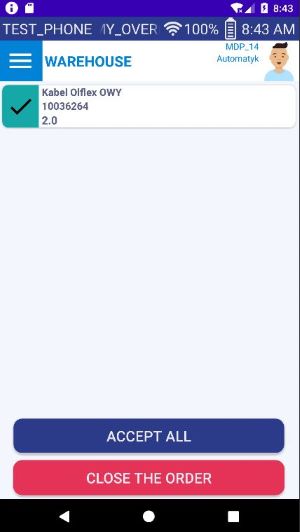
Order management placed in the mobile application is done in the web application or a special warehouse module in the mobile application, if the employee has the appropriate permissions assigned. Here, the order status can be changed, which is updated in the mobile application, so that the user knows when the part is ready for pickup from the warehouse:
DOCUMENTATION:
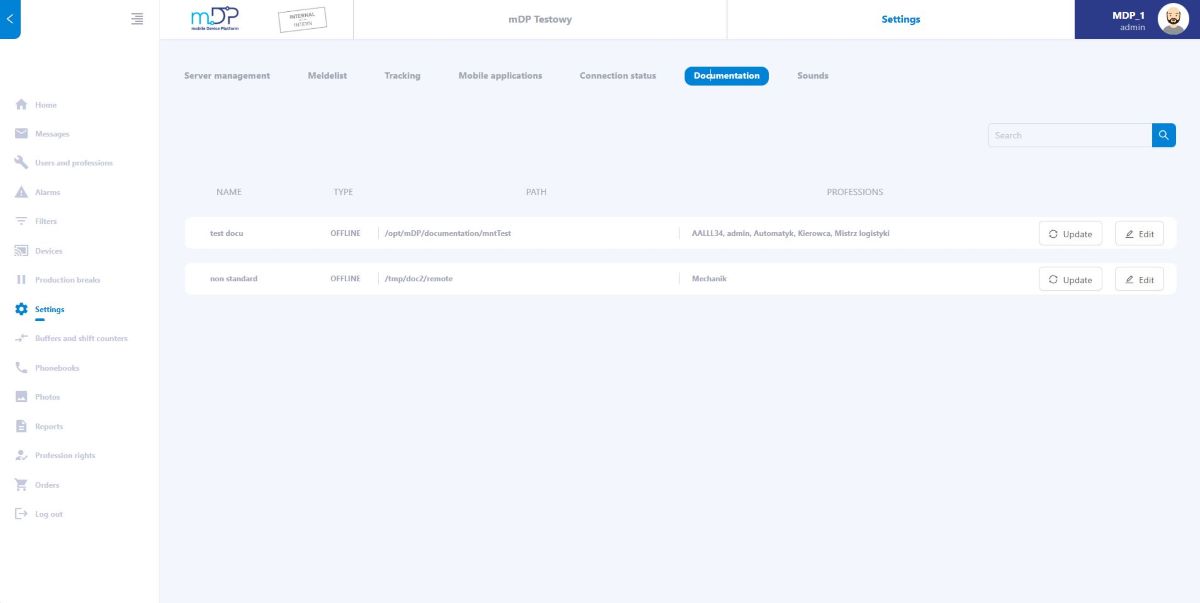
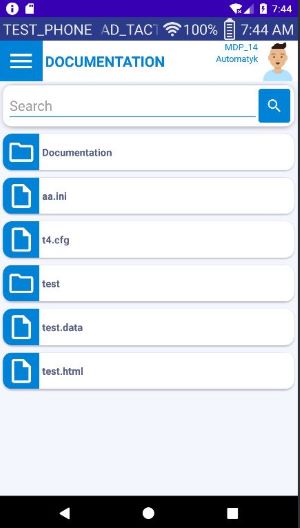
The system allows for attaching a disk with saved documentation (for example, devices in production). This documentation is transferred to mobile devices and continuously synchronized concerning any changes. The configuration of the documentation is available in the web application:
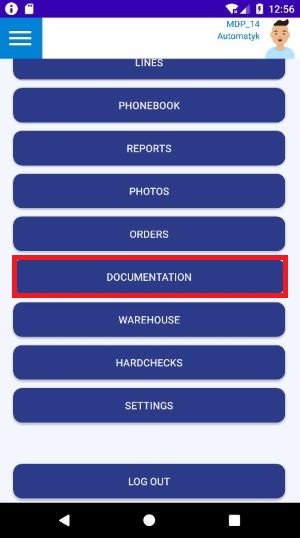
The documentation itself is then available on mobile devices with the possibility of viewing it using system tools (html, pdf, txt, etc.):
HARD CHECKS:
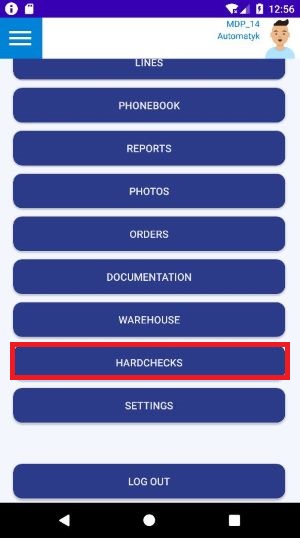
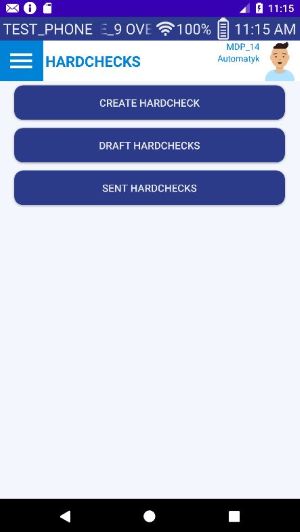
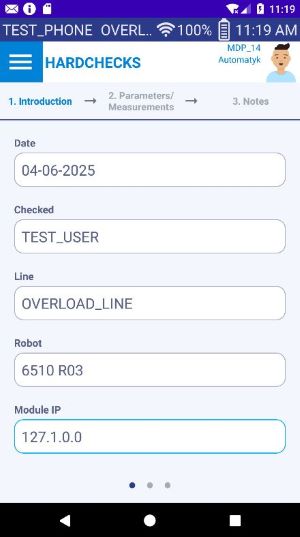
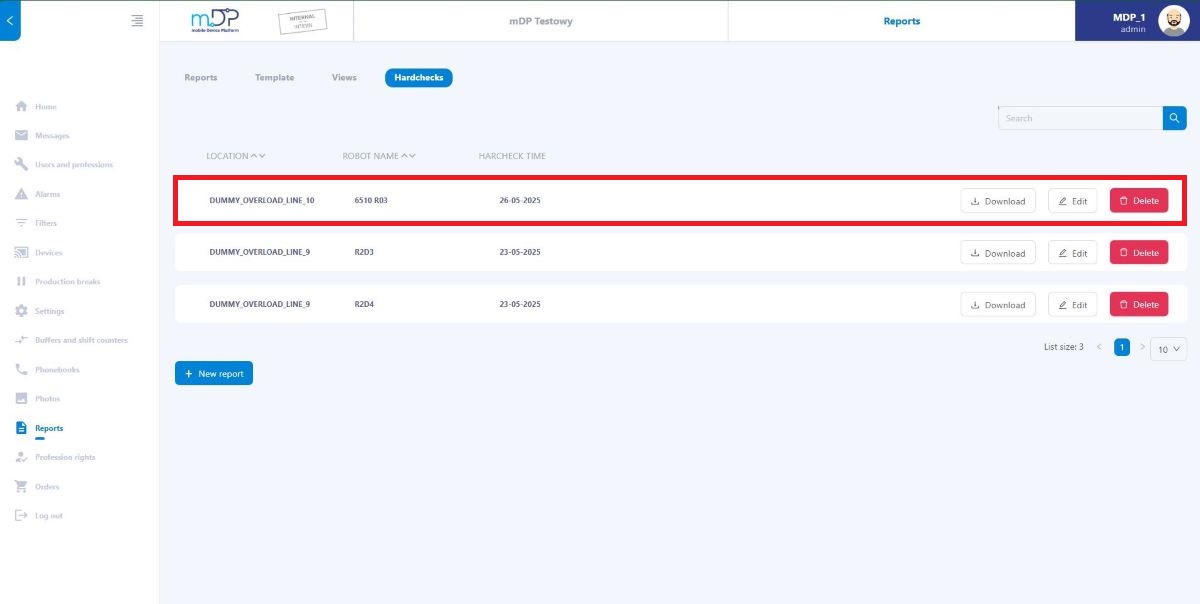
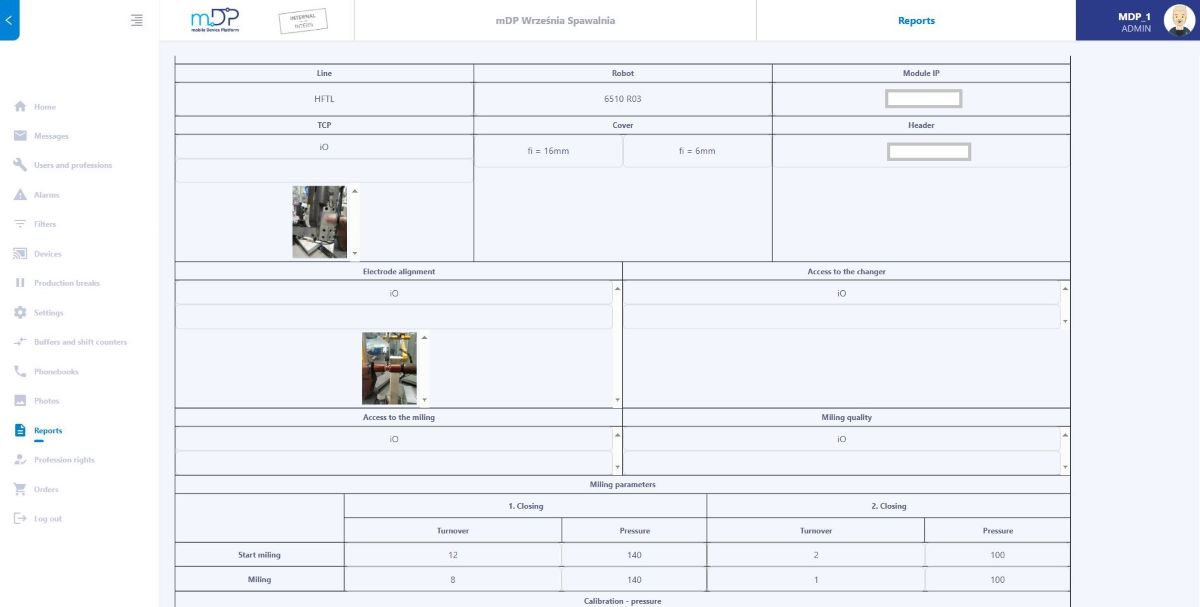
This functionality allows you to create measurement reports of production devices (e.g. welding robots) as evidence of their efficiency. It is possible to include photos in most steps during creation. Measurement data is saved and available in the web application for viewing or generating a document from them. The view of creating a hard check in the mobile application is shown in the figures below.
Hardcheck view in the web application:
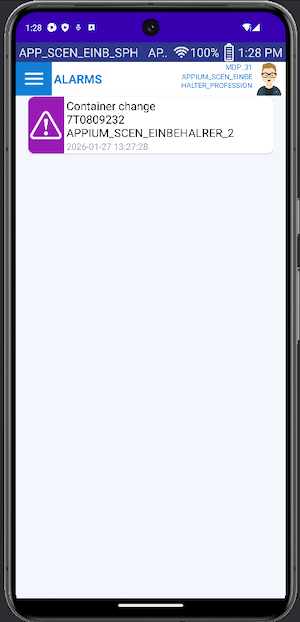
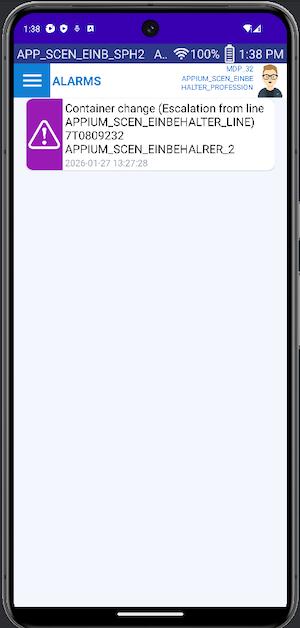
LOGISTICS ALARMS (Einbehaelter):
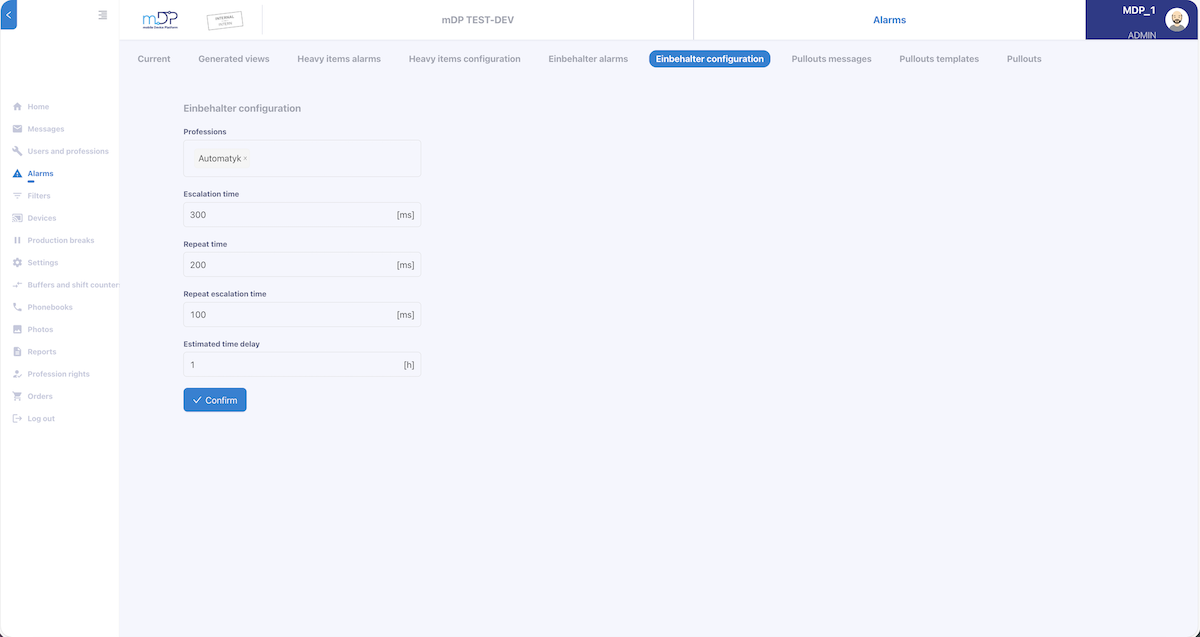
It is possible to configure and transmit so-called logistics alarms to mobile devices informing about the lack or impending lack of parts on the production line. The profession configuration and escalation time are configured from the web application.
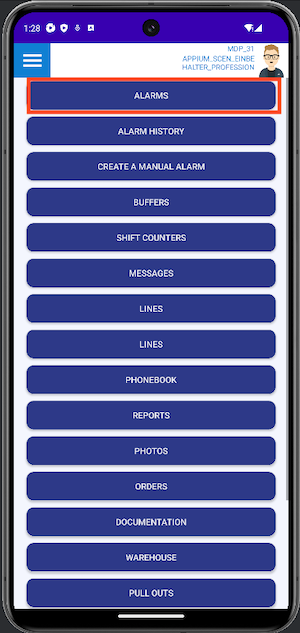
Logistic alarm in mobile app.
ITEMS TRACKING IN PRODUCTION LINE (In our case it is called heavy items):
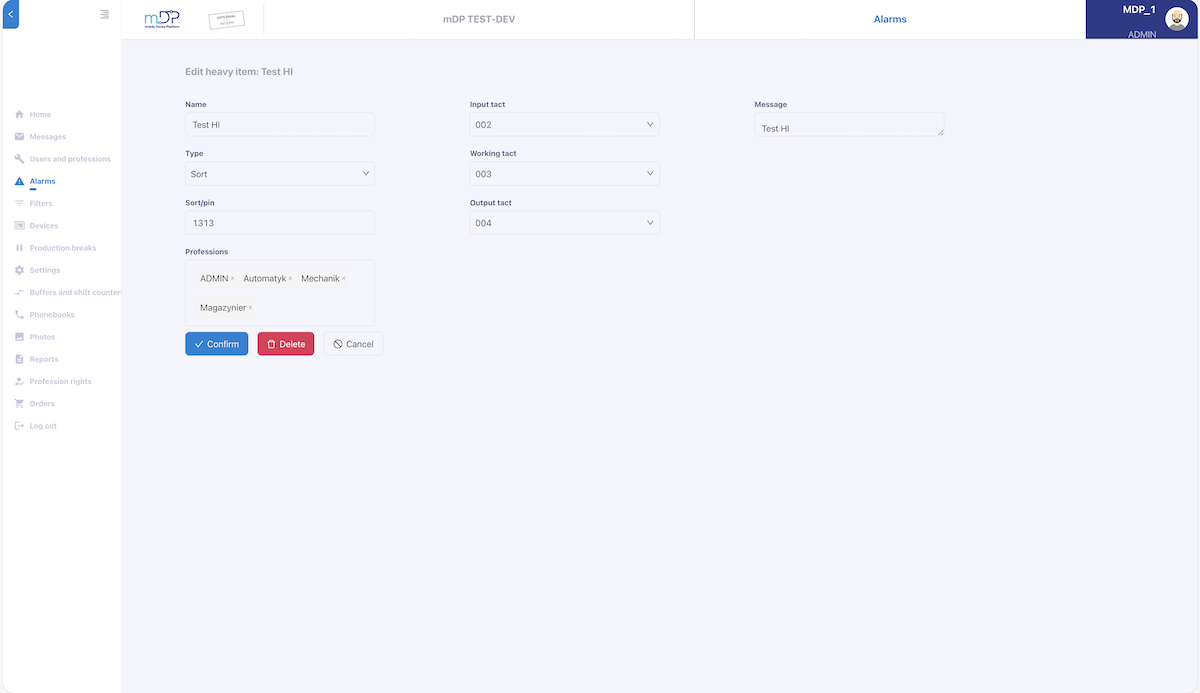
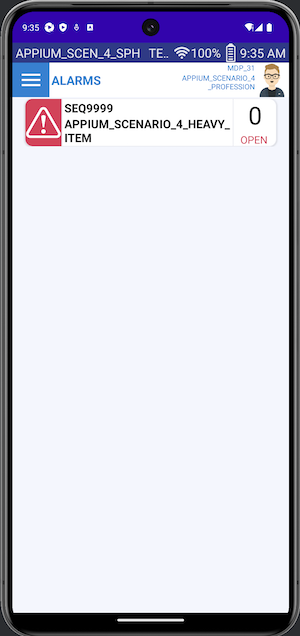
It's possible to configure the tracking of components on the production line at specific locations (tacts) and send this information to mobile devices in the form of an alarm if action is required. This applies to components that require special handling. Configuration of what, at what production tacts and for which profession takes place in the web application.
Items tracking alarm in mobile app.
Further product development:
Further development of functionality is possible because we remain flexible and open to customer requests. The only limitation are the potential costs associated with developing customer requests.